
Instagram Aspect Ratio Guide & Dimensions Cheat Sheet
Complete 2026 Instagram aspect ratio and image dimensions guide. Exact pixel specs for Reels (9:16), Feed Posts (4:5, 1:1), Stories, and Carousels.
Maximum feed screen space — best reach. Profile grid crops it to 1:1 (135px cut top + bottom).
Drop an image here or click to preview against Instagram overlays & grid cuts
Preview scaled to 208×260px • red zones are eaten by Instagram UI
Instagram Aspect Ratio & Screen Coverage Optimization
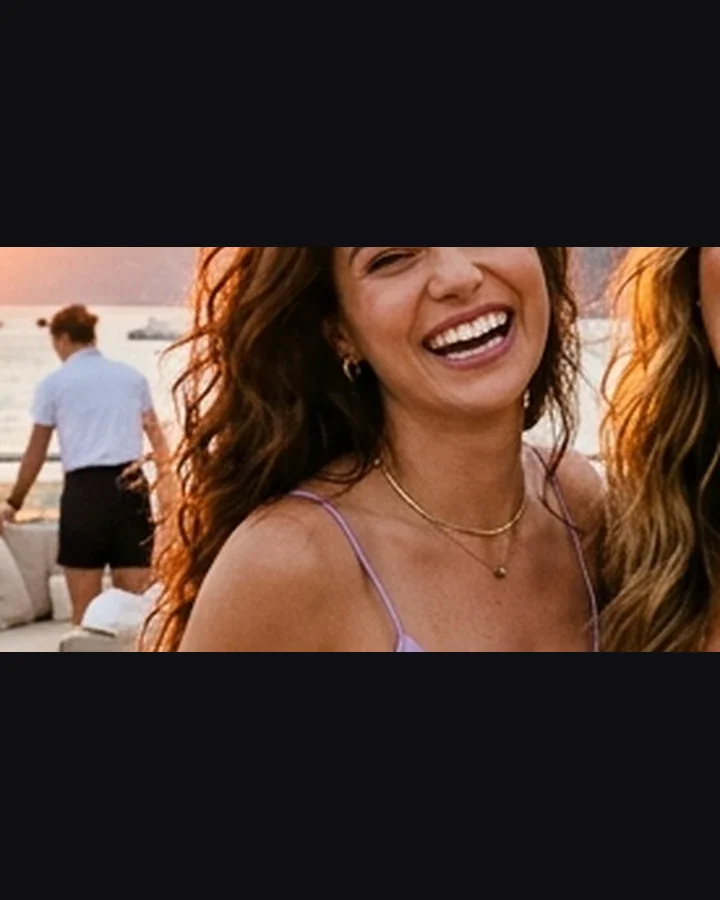
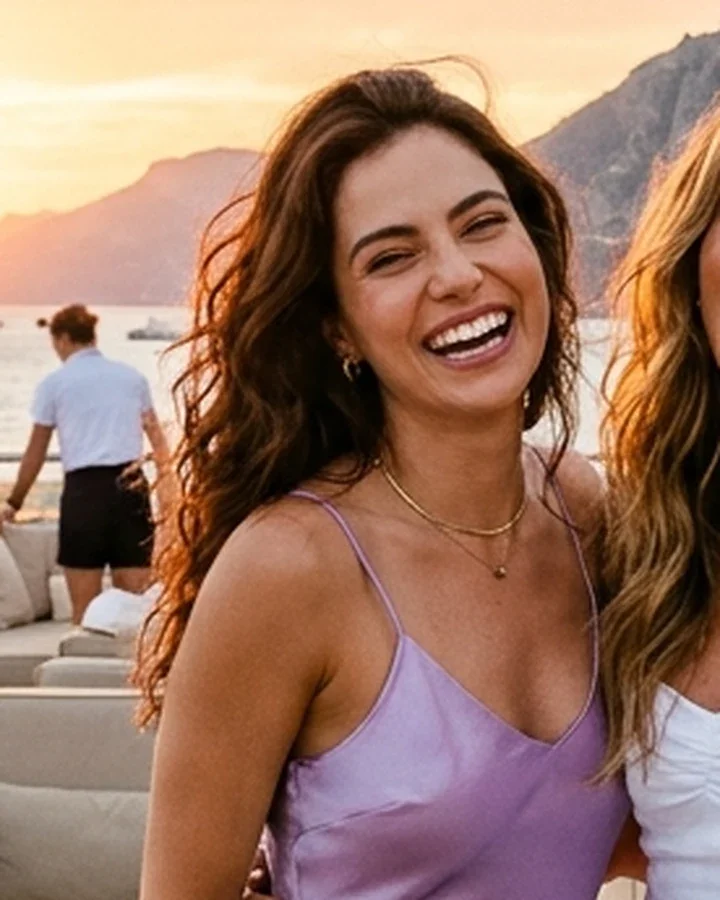
💡 Key Difference: Switching from horizontal 16:9 (1080×566) to vertical 4:5 portrait (1080×1350) captures 2.38× more vertical feed height, pushing competitors off the viewport and dramatically increasing stop rate.
Reels Safe Zone
Overlay interactive video safe zones for 9:16 Reels & Stories
Image Resizer (Batch)
Batch resize photos to exact 1:1, 4:5, and 9:16 presets
Grid Splitter
Split panoramic photos into 3x1, 3x2, or 3x3 profile grids
Mockup Generator
Preview your post or reel in an authentic Instagram device frame
Master Aspect Ratio & Resolution Cheat Sheet
Quick reference tables for post-production supervisors, video editors, and content creators. Reference standard pixel resolutions across 8K, 4K, 2K, and HD containers.
🍿 Cinema DCP (Digital Cinema Package) Standards
| Standard / Format | Aspect Ratio | 4K Resolution | 2K Resolution |
|---|---|---|---|
| DCI Flat | 1.85 : 1 | 3996 × 2160 | 1998 × 1080 |
| DCI Scope | 2.39 : 1 (2.35) | 4096 × 1716 | 2048 × 858 |
| DCI Full Container | 1.90 : 1 | 4096 × 2160 | 2048 × 1080 |
| Univisium | 2.00 : 1 (18:9) | 3840 × 1920 | 1920 × 960 |
📺 Video, Broadcast & Social Media Standards
| Format Name | Ratio | UHD 4K | FHD 1080p | Primary Use-Case |
|---|---|---|---|---|
| Widescreen TV | 16 : 9 (1.78) | 3840 × 2160 | 1920 × 1080 | YouTube, TV Broadcast, Monitors |
| Vertical Video | 9 : 16 (0.56) | 2160 × 3840 | 1080 × 1920 | Instagram Reels, TikTok, YouTube Shorts |
| Portrait Feed | 4 : 5 (0.80) | 2160 × 2700 | 1080 × 1350 | Instagram Feed (Max Screen Real Estate) |
| Square Feed | 1 : 1 (1.00) | 2160 × 2160 | 1080 × 1080 | Classic Feed Grid, Product Carousel |
| Academy / Vintage | 4 : 3 (1.33) | 3072 × 2304 | 1440 × 1080 | Classic Television, iPad Screens |
Need custom dimensions for your editing timeline? Use these universal pixel formulas:
Avoid black letterboxing and pillarboxing in Premiere Pro & DaVinci Resolve:
- Reels / Shorts: Set timeline to 1080 × 1920 (Square Pixels 1.0).
- Cinema Scope: Use 3840 × 1606 (UHD) or 1920 × 803 (FHD) for 2.39:1 crop.
- Netflix 2:1: Set custom canvas to 3840 × 1920 (18:9).
- IG Feed Maximum: Use 1080 × 1350 for 4:5 vertical coverage.
How to Use the Aspect Ratio Guide
Choose delivery medium or platform
Select Cinema DCP, YouTube/broadcast widescreen, or social mobile feeds (Reels, TikTok, Feed).
Check resolution cheat sheet
Reference exact pixel dimensions across 8K, 6K, 4K UHD, 4K DCI, 2K DCI, and 1080p Full HD.
Apply timeline & crop settings
Configure your Premiere Pro, DaVinci Resolve, or Final Cut timeline to match standard delivery specs.