
Instagram AI Image Upscaler
Free AI image upscaler for Instagram photos, Reels thumbnails, and carousels. Upscale 2x, 4x, or to 4K with crystal-clear super resolution and zero lag.
Upscale Your Image Online
Drop your image here, or browse files
PNG, JPG, WebP up to 30MB • Up to 4K Ultra HD • Zero Laptop Lag
Real Creator Results: Drag Divider to Compare
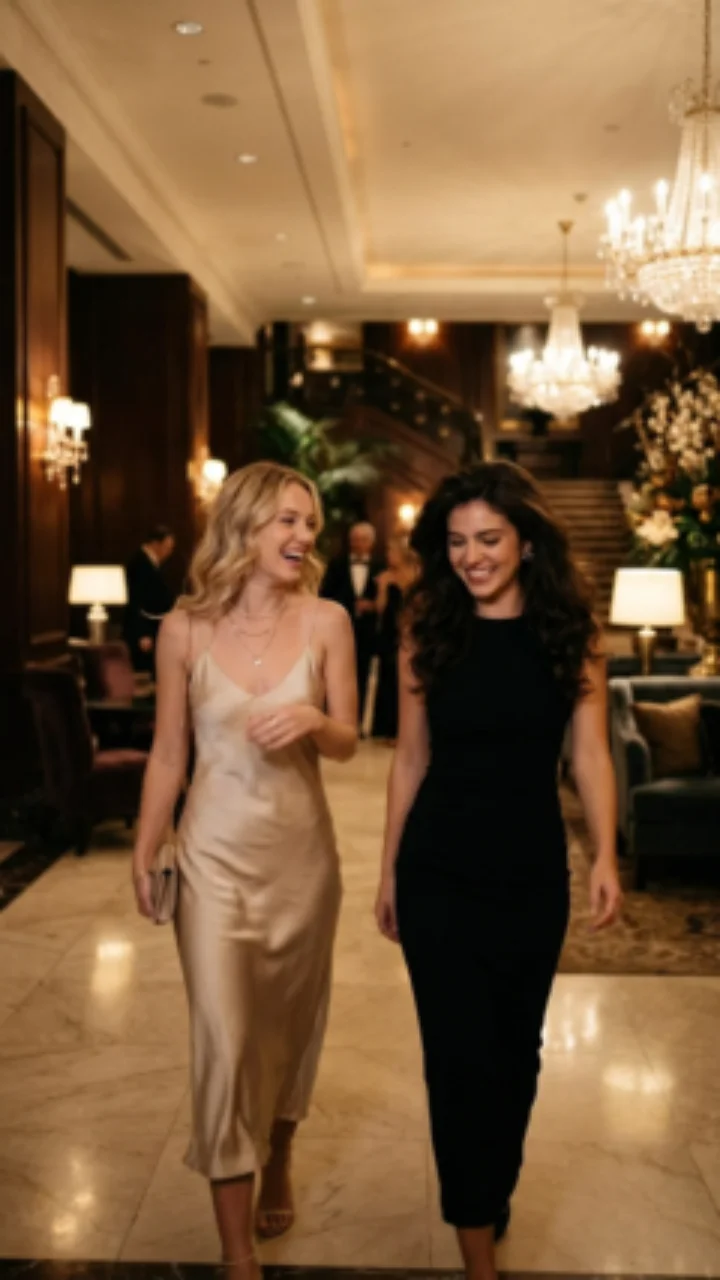
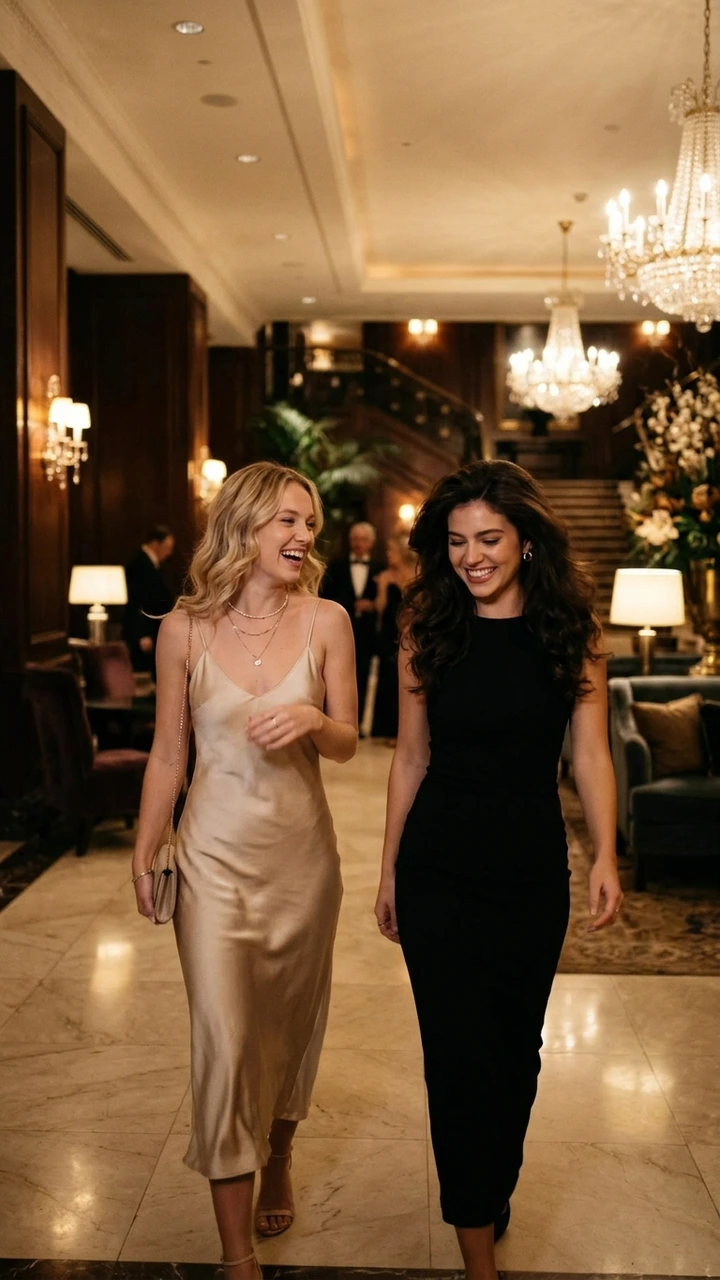
How to Upscale an Image with AI
Upload your low-resolution image
Select or drop any PNG, JPG, or WebP photo or graphic (up to 30MB) into the upscaler. Your image remains 100% private in your browser.
Choose upscale factor & settings
Pick 2×, 4×, or target 4K UHD. Enable high-frequency texture recovery and select your preferred output format (PNG, JPG, or WebP).
Compare & download enhanced result
Slide the before-and-after divider to inspect regenerated fine details, then download your high-resolution image with one click.
Features of Our AI Image Upscaler
Engineered for creators, photographers, and ecommerce teams requiring genuine super-resolution without privacy compromises or monthly subscriptions.
⚡ Fast & Light AI Super-Resolution
Multi-stage progressive resampling with directional edge gradient detection. Completes in under 1 second with zero laptop fan spin and zero tab freezing.
2×, 4× and 4K Ultra HD Modes
Enlarge low-resolution snapshots up to 4K resolution (3840px max edge). Perfect for desktop wallpapers, prints, product listings, and Retina web assets.
100% Client-Side Privacy
Inference executes completely inside your local browser via WebGL. Your photos, private graphics, and documents never upload to any remote server or cloud database.
Interactive Comparison Slider
Drag the real-time split divider to inspect edge sharpness, clarity improvements, and high-frequency textures between original and enhanced versions.
Crash-Proof Memory Safety
Guarded execution with memory throttling, event-loop breathing, and automated fallback. Eliminates browser GPU crashes while preserving sharp edge contrast.
Multi-Format & Alpha Safe
Export directly to PNG (lossless), JPG (high-res photo), or WebP. Automatically preserves transparent alpha channels in logos and cutouts.
What Types of Images Can You Upscale?
Our super-resolution network is trained across diverse photographic and illustrative datasets. Here is how it performs across common media types:
📸 Photographs & Portraits
Restores skin textures, eye highlights, and clothing fabrics in vintage photos, mobile snapshots, and cropped portraits without waxiness.
🛍️ Ecommerce & Product Images
Enlarges catalog thumbnails and manufacturer product shots to meet marketplace high-resolution guidelines (Amazon, Shopify, Etsy, Instagram Shop).
🎨 Digital Artwork, Anime & Illustrations
Cleans line-art ringing artifacts and sharpens cel-shaded colors. Ideal for concept art, digital wallpaper, manga crops, and AI-generated Midjourney art.
🖥️ Screenshots, Logos & Graphic Design
Sharpens small vector-like logos, transparent app icons, presentation slides, and low-res UI mockups into crisp presentation-ready graphics.
Frequently Asked Questions
What is an AI image upscaler and how does it work?+
What is the best free AI image upscaler tool online?+
Can I upscale images to 4K resolution online for free?+
How does this tool compare to commercial tools like Magnific AI or Nero AI?+
How to improve and enhance image quality with an AI upscaler?+
Are my uploaded images or personal photos saved on external servers?+
Which image formats and file dimensions are supported?+
Why does an image upscaler need tiled or patch processing?+
What is the Best Free AI Image Upscaler Tool? (2026 Comparison)
Read our comprehensive benchmark comparing Gram Toolkit, Upscayl, Real-ESRGAN, and cloud upscaler traps.
Related Image Tools
100% Free UtilitiesShrink heavy photos by up to 85% with zero visible quality loss.
Resize photos to exact pixel dimensions, 4:5, 1:1, or 9:16 aspect ratios.
Slice photos into 3×3 grids or panoramas with numbered ZIP download.
Format images for Instagram feeds with smart padding and zero cropping.