
Instagram Image Compressor
Compress images for Instagram without blurry compression artifacts. Shrink JPG, PNG, and WebP files to optimal upload sizes with client-side privacy.
Drop photo or graphic to compress (Universal & Instagram-ready)
JPEG, PNG & WebP output • Optional 1080px smart scaling • Transparency-safe • 100% private
Image Compressor Optimization
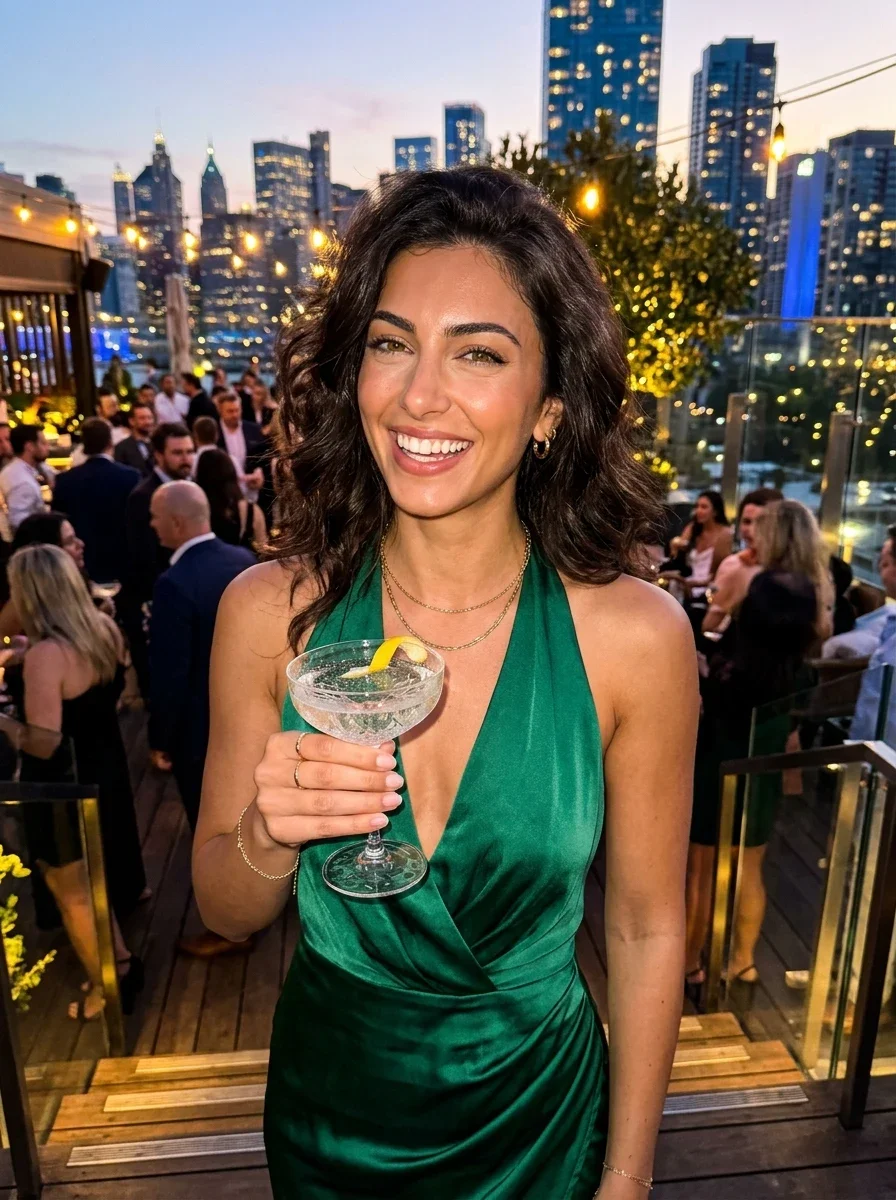
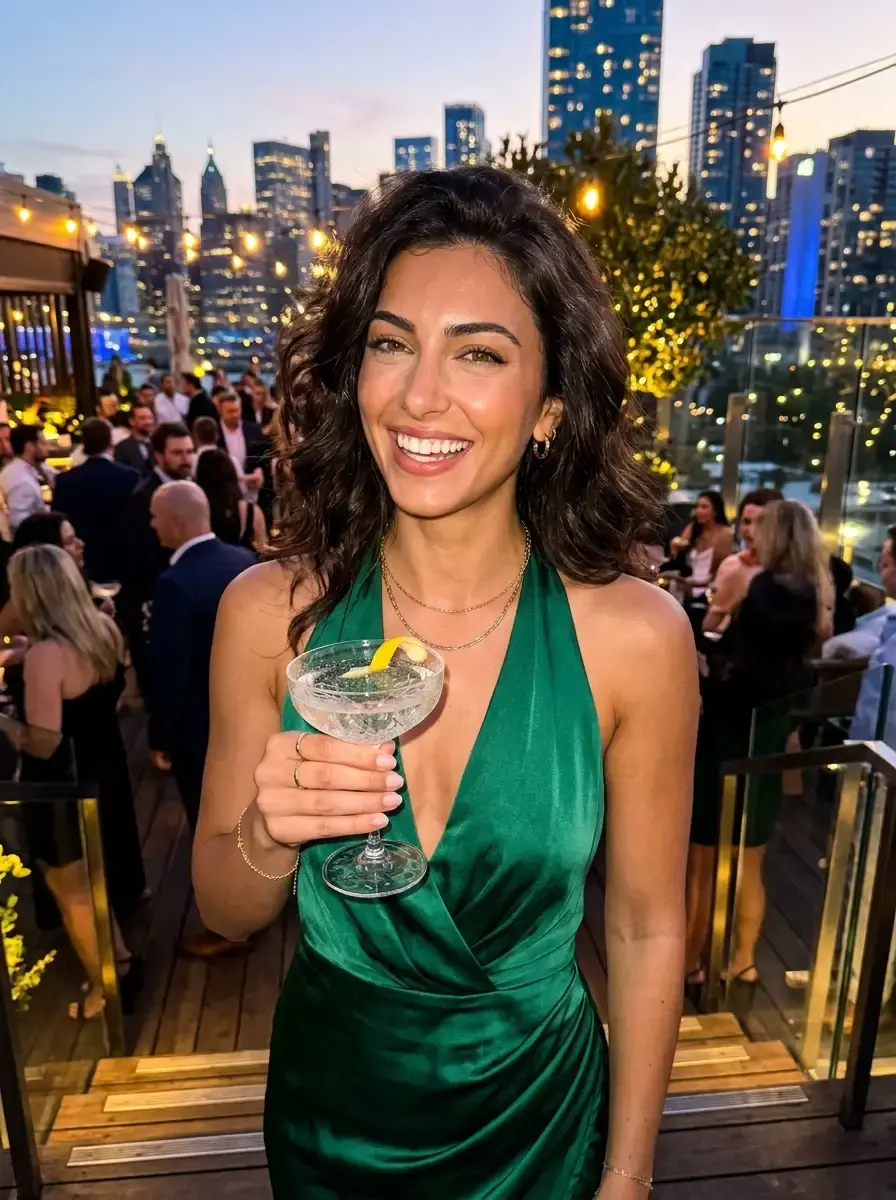
💡 Key Difference: Aria's high-res rooftop glamour portrait compressed from 1.84 MB down to 192 KB (-89.6%) with emerald satin fabric sheen and skin clarity 100% preserved.
Instagram Image Sizes, Ratios & File Size Guidelines
Keep your photos under Instagram's compression triggers by adhering to these recommended resolutions and target file sizes.
| Instagram Post Type | Aspect Ratio | Recommended Resolution | Ideal Target File Size | Best Format |
|---|---|---|---|---|
| Portrait Feed Post (Recommended) | 4:5 | 1080 × 1350 px | Under 1.5 MB | JPG / WebP |
| Square Feed Post | 1:1 | 1080 × 1080 px | Under 1.2 MB | JPG / WebP |
| Instagram Story & Reel Cover | 9:16 | 1080 × 1920 px | Under 2.0 MB | JPG / WebP |
| Landscape / Horizontal Feed | 1.91:1 | 1080 × 566 px | Under 800 KB | JPG / WebP |
How to Prevent Blurry Instagram Photos
Enable High Quality Uploads
In Instagram settings, navigate to Account > Data Usage, and enable "Upload at highest quality". Without this toggle, Instagram forces lower bitrate compression on cellular connections.
Never Exceed 1080px Width
If you upload a 4000px photo, Instagram scales it down using bicubic interpolation on their servers, creating noticeable softness. Pre-scaling and compressing locally retains pixel sharpness.
Target the 4:5 Portrait Ratio
Portrait photos (1080 × 1350 px) occupy 25% more screen real estate on mobile devices than square 1:1 photos, yielding higher dwell time and engagement from your audience.
How to Use the Instagram Image Compressor
Drop your image into the Instagram compressor
Select any heavy camera photo, graphic, or screenshot (JPG, PNG, or WebP up to 30MB) into the browser compressor.
Select your compression preset
Choose "Balanced (Recommended)" for Instagram feed photos and carousels, or "Minimal" for portfolio-grade photography.
Download optimized photo for Instagram
Download the lightweight image directly to your device ready to upload to Instagram without algorithmic compression blur.