
Instagram Caption Spacer & Line Break Generator
Stop collapsed Instagram line breaks. Insert invisible Braille spaces (U+2800) into your captions with live iPhone preview. 100% free, private & instant.
Zero-Collapse Editorial Captions
Never let Instagram bunch your paragraphs into an unreadable brick. Polina uses invisible Unicode spacers to keep lines airy, elegant, and high-retention.
Need fresh caption copy before spacing?
Use our AI Caption Generator to synthesize high-retention hooks, body storytelling, and CTAs, then format with clean breaks right here!
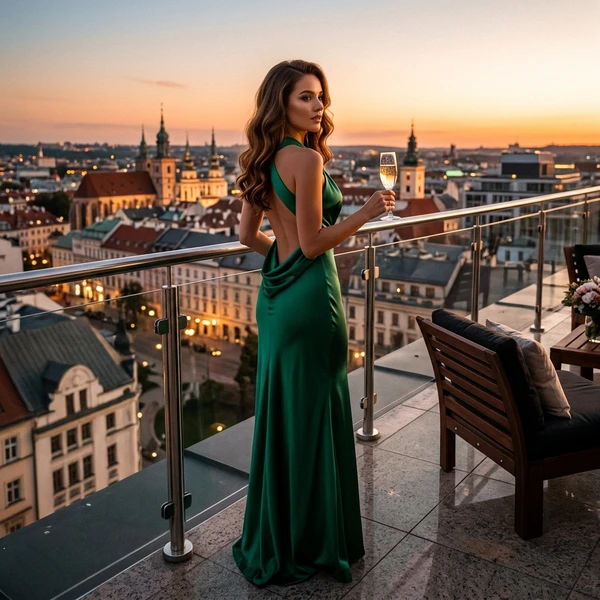
your.handle Chasing golden hour in the city ✨ ⠀ No filters. No rush. Just light, shadows & slow moments. ⠀ Save this for your next photo ... more
Preview: 125 chars shown pre “…more” • full 170 charsInstagram truncates captions after ~125 characters. Blank spacer lines below the fold are preserved on expand.
Braille Spacer (U+2800) vs Dot Spacing vs Normal Enter
See why top creators and social media managers use invisible Braille spacing instead of messy periods or symbols.
| Method | Collapses on IG? | Visual Appearance | Screen Reader Friendly? | Recommended |
|---|---|---|---|---|
| Invisible Braille (U+2800) | Never | 100% Clean & Empty | Yes (Ignored by voice) | Yes — Gold Standard |
| Standard Enter Key (\n) | Always collapses | Squished text block | N/A | No (Fails on mobile) |
| Periods & Dots (.) | Rarely | Cluttered with dots | Announces "dot" aloud | Outdated (2018 style) |
| Non-Breaking Space ( ) | Sometimes (iOS drops) | Clean | Yes | Inconsistent |
The 3-Part High-Converting Instagram Caption Blueprint
The 125-Character Hook
Your first line must provoke curiosity or state a tangible promise before Instagram truncates the caption with "...more". Never waste your hook line on greetings or filler text.
Bite-Sized Paragraphs
Mobile readers instantly bounce from dense blocks of text. Use our invisible spacer to separate your caption into 1-2 sentence nuggets that readers can skim effortlessly on their phones.
Clear CTA & Hashtag Block
End with a direct call-to-action ("Save this for later", "Drop a comment"). Push your hashtags 3-4 blank lines down using invisible spacers so they stay neat and out of the way.
How to Use the Instagram Caption Spacer
Paste or type your caption draft
Paste your draft text with blank lines between your paragraphs into the editor.
Select your invisible spacer mode
We recommend Braille Blank (U+2800) — the universal invisible character that Instagram never collapses on iOS or Android.
Copy & paste into Instagram
Click "Copy Clean Caption" and paste directly into your Instagram post, Reel, or Story caption. Spacing survives publication.