Instagram Image Resizer

Resize images for Instagram instantly. Convert any photo to exact 1080x1080 square, 1080x1350 portrait, or 1080x1920 Story dimensions with sharp resolution.

Drop your images here, or browse

Supports batch JPG, PNG, and WebP. 100% processed in your browser — zero files uploaded to any server.

📸 4:5 Portrait📱 9:16 Story/Reel🔲 1:1 Square⚡ Batch Zip Export
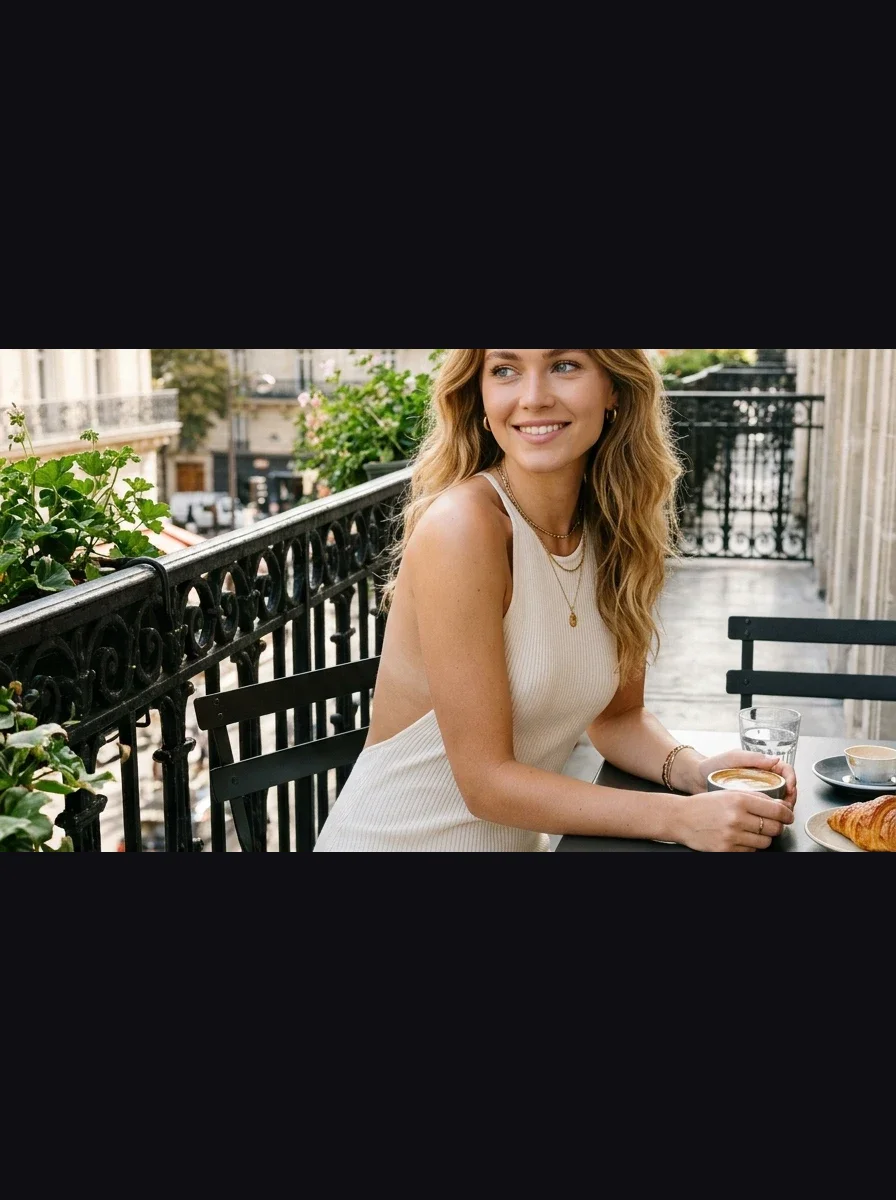
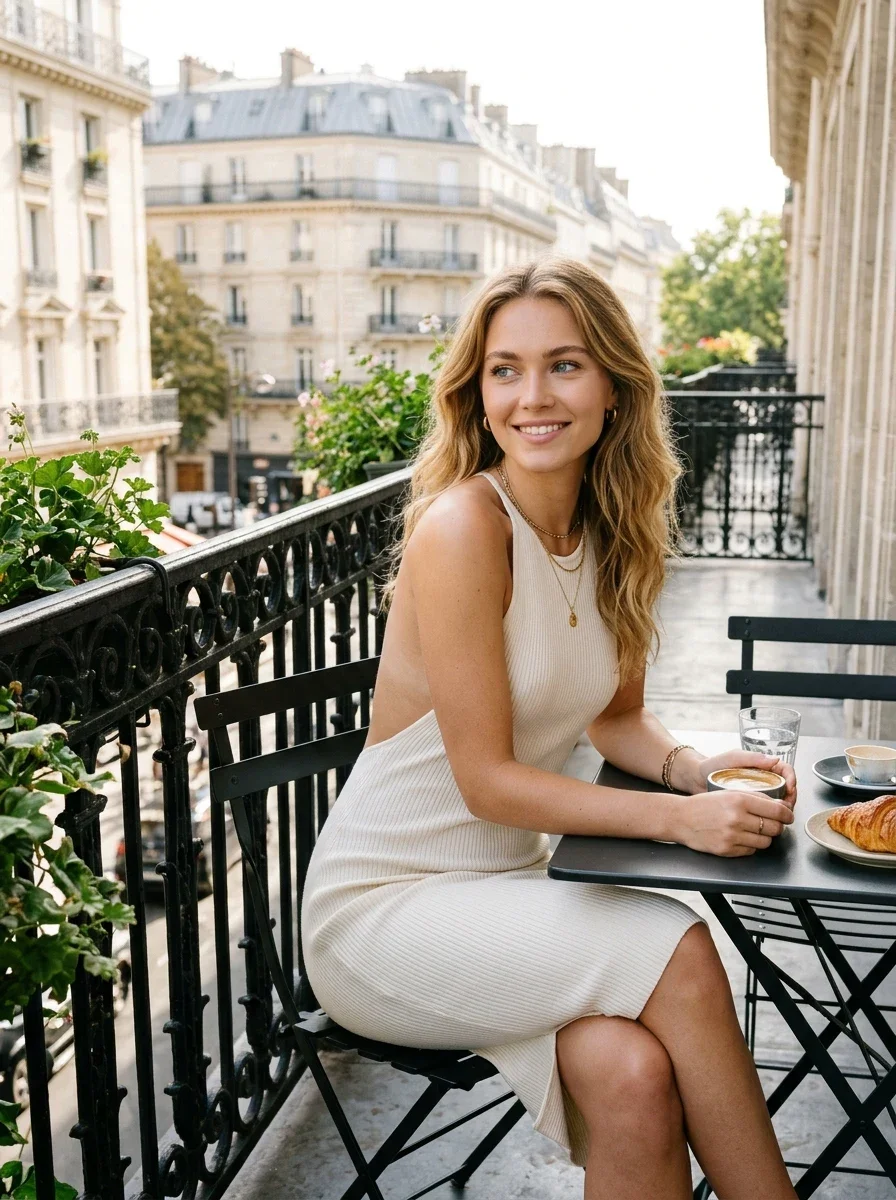
Real Result: Before vs AfterSienna · Cream Ribbed Backless Knit

Image Resizer Optimization

+58.3% Screen Real Estate
BEFORE (16:9 Landscape)Leaves 58% black dead space on mobile
Before: 16:9 Landscape
BEFORE
Leaves 58% black dead space on mobile
AFTER (4:5 Instagram Portrait)1080 × 1350 px · 100% Screen Viewport
After: 4:5 Instagram Portrait
AFTER · OPTIMIZED
1080 × 1350 px · 100% Screen Viewport · +58.3% Screen Real Estate

💡 Key Difference: Converting Sienna's Parisian balcony portrait from 16:9 to vertical 4:5 increases feed visibility by +58.3%, capturing the full outfit without letterboxing.

Next in your workflow:
Simple Steps

How to Use the Online Image Resizer

01Batch Mode Ready

Upload photo into photo resizer

Select single or multiple photos (JPG, PNG, WebP) to resize image files with our batch photo resizer.

02Pixel Precision

Choose dimensions in image compressor

Select 16:9 Landscape, 4:5 Portrait, 1:1 Square, 9:16 Vertical, or enter custom width & height to resize image files.

03Instant Download

Download or export ZIP

Download individually or export all resized images from the photo compressor in a clean ZIP archive.

FAQ

Image Resizer & Dimensions FAQ

How do I resize image files without losing quality?+
Our online image resizer and photo resizer uses bi-cubic canvas interpolation to preserve pixel sharpness when scaling down or up. You can also use the integrated photo compressor and image compressor to balance file size and resolution.
Can I use this photo resizer for websites, documents, and YouTube as well as Instagram?+
Yes! The tool includes universal presets like 16:9 Landscape (1920x1080 for YouTube, slides, websites), 1200x630 Social Banner (Facebook/Twitter/LinkedIn), alongside Instagram 4:5 Portrait, 1:1 Square, and 9:16 Reels/Stories. You can also specify any custom pixel dimensions.
How do I resize image files without cropping important parts?+
Choose the "Fit (Padding)" option with "Blurred Canvas". This keeps your entire original photo intact without clipping any edges, filling empty margin space with a smooth blurred version of your image.
What is the difference between an image resizer and an image compressor / photo compressor?+
An image resizer changes the physical pixel width and height (dimensions) of a photo, whereas an image compressor or photo compressor reduces the file weight (megabytes or kilobytes) by optimizing color data and metadata. This tool combines both!
Can I batch resize multiple images at once?+
Yes! You can drag and drop dozens of images into the photo resizer, adjust fit and resolution settings, and click "Export All as ZIP" to download everything in a single archive.
Are my images uploaded to any server?+
No. All resizing, photo compressor operations, and ZIP packaging are performed 100% locally on your computer or phone using HTML5 Canvas.