Instagram Mockup Generator

Generate realistic Instagram post and Reel mockups on iPhone and Android frames. Showcase content, ads, and client previews with high-resolution PNG export.

Drop your photo to create an authentic Instagram mockup

Feed portrait (4:5), square (1:1), or full 9:16 Reel device frames with customizable likes, comments & dark mode.

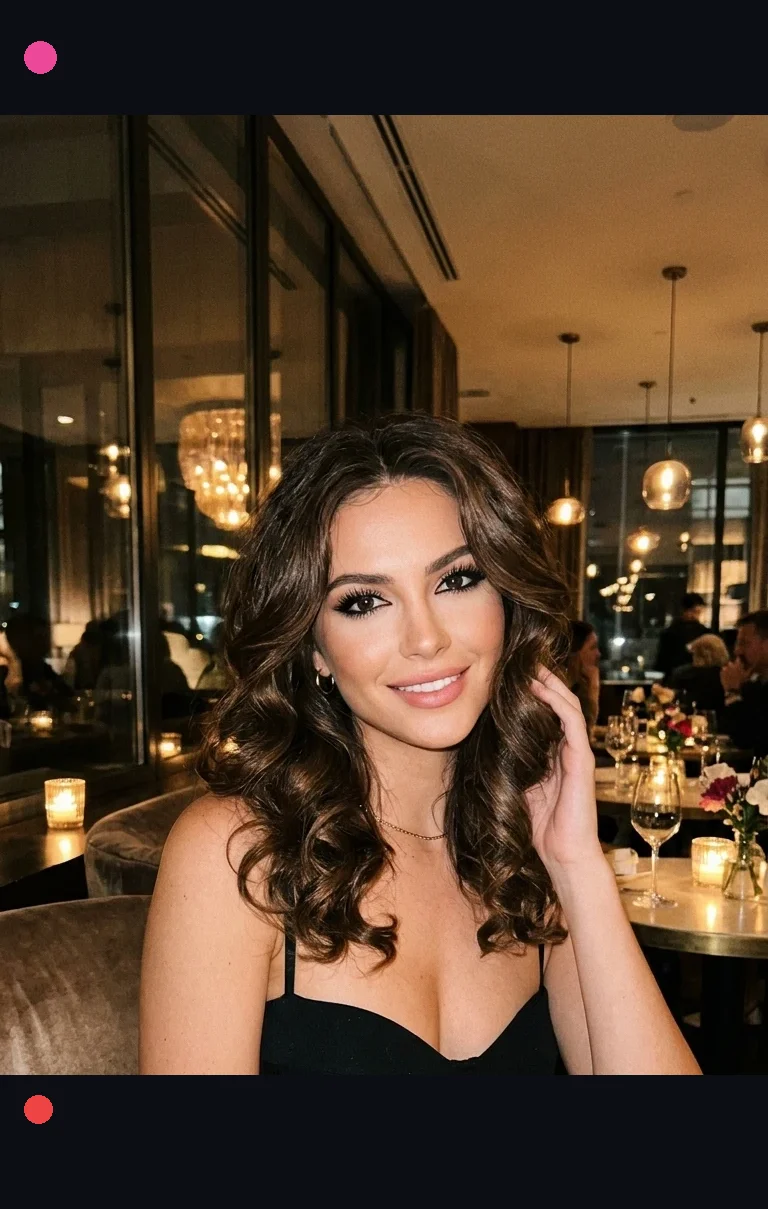
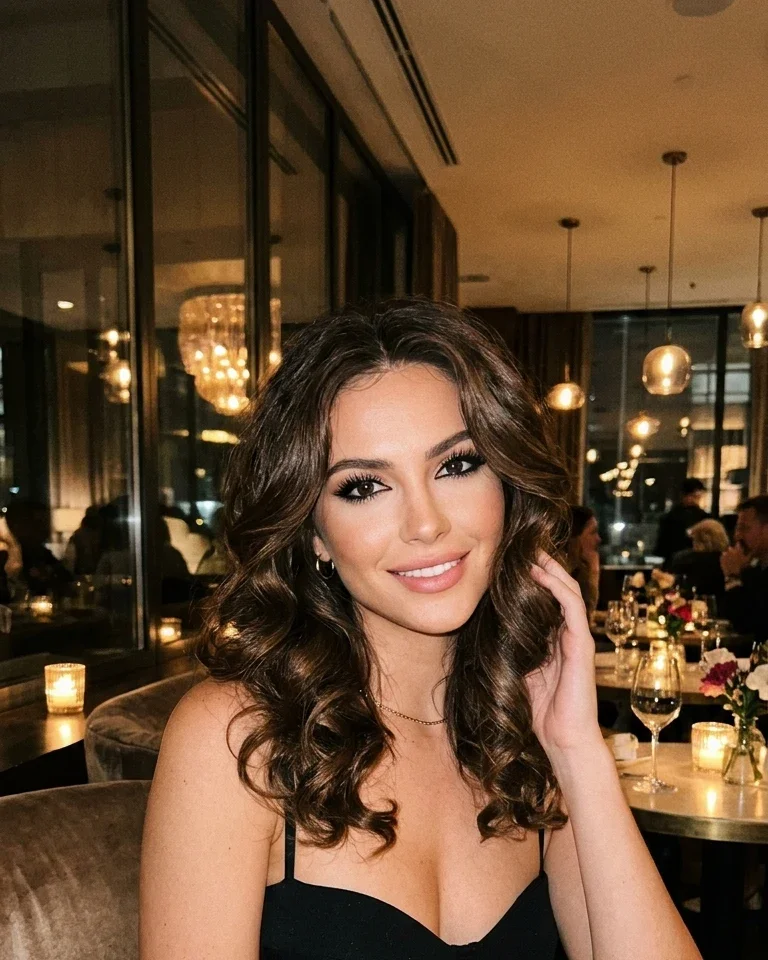
Real Result: Before vs AfterSophia · Luxury & Fashion Model

Instagram Device Mockup Studio Optimization
+350% Client Pitch Conversion
BEFORE (Flat Raw Photo)Plain 1080×1350 JPEG file
Before: Flat Raw Photo
BEFORE
Plain 1080×1350 JPEG file
AFTER (Instagram Device Mockup)Dark Mode Frame with Verified UI & Likes
After: Instagram Device Mockup
AFTER · OPTIMIZED
Dark Mode Frame with Verified UI & Likes · +350% Client Pitch Conversion

💡 Key Difference: Presenting creative work inside authentic Instagram phone device mockups rather than plain raw image files makes brand pitches and sponsor portfolios look 3.5× more professional.

Next in your workflow:
Simple Steps

How to Use the Mockup Generator

01Any Image

Upload your creative

Drop the photo you plan to post — it renders instantly inside an authentic mobile frame.

02Live Preview

Style it like your profile

Switch between Feed 1:1, Feed 4:5, and Reel 9:16. Set your handle, verified badge, like count, avatar color, and caption.

03High-Res PNG

Download the mockup

Export a high-resolution PNG (native 1080×1080, 1080×1350, or 1080×1920 media) to share with clients or preview your grid.

FAQ

Mockup Generator FAQ

What sizes does the mockup export at?+
The media inside exports at native Instagram resolution: 1080×1080 for square feed, 1080×1350 for portrait feed, and 1080×1920 for reels — wrapped in a realistic device frame with status bar and post chrome.
Can I use this to preview client work?+
Yes — that is a perfect use case. Set the client handle, like count, and caption to show exactly how the post will look in-feed before publishing.
Does the reel mockup include the side action bar?+
Yes. Reel mode renders the full-bleed 9:16 creative with the heart/comment/share rail, like count, handle overlay, and caption gradient — just like the real Instagram player.
Are my images uploaded to a server?+
No. Compositing happens entirely in your browser with the Canvas API. Your photos stay on your device.