
Instagram Grid Splitter & Feed Maker
Free Instagram grid splitter and feed maker. Slice photos into 3x1 panoramas, 3x2 grids, or 3x3 giant profile banners with numbered ZIP download and zero quality loss.
Drop your image here, or browse
Supports high-res JPG, PNG, and WebP (up to 25MB) • Auto-cropped to true 1:1 squares • Processed 100% locally
Grid Splitter Optimization
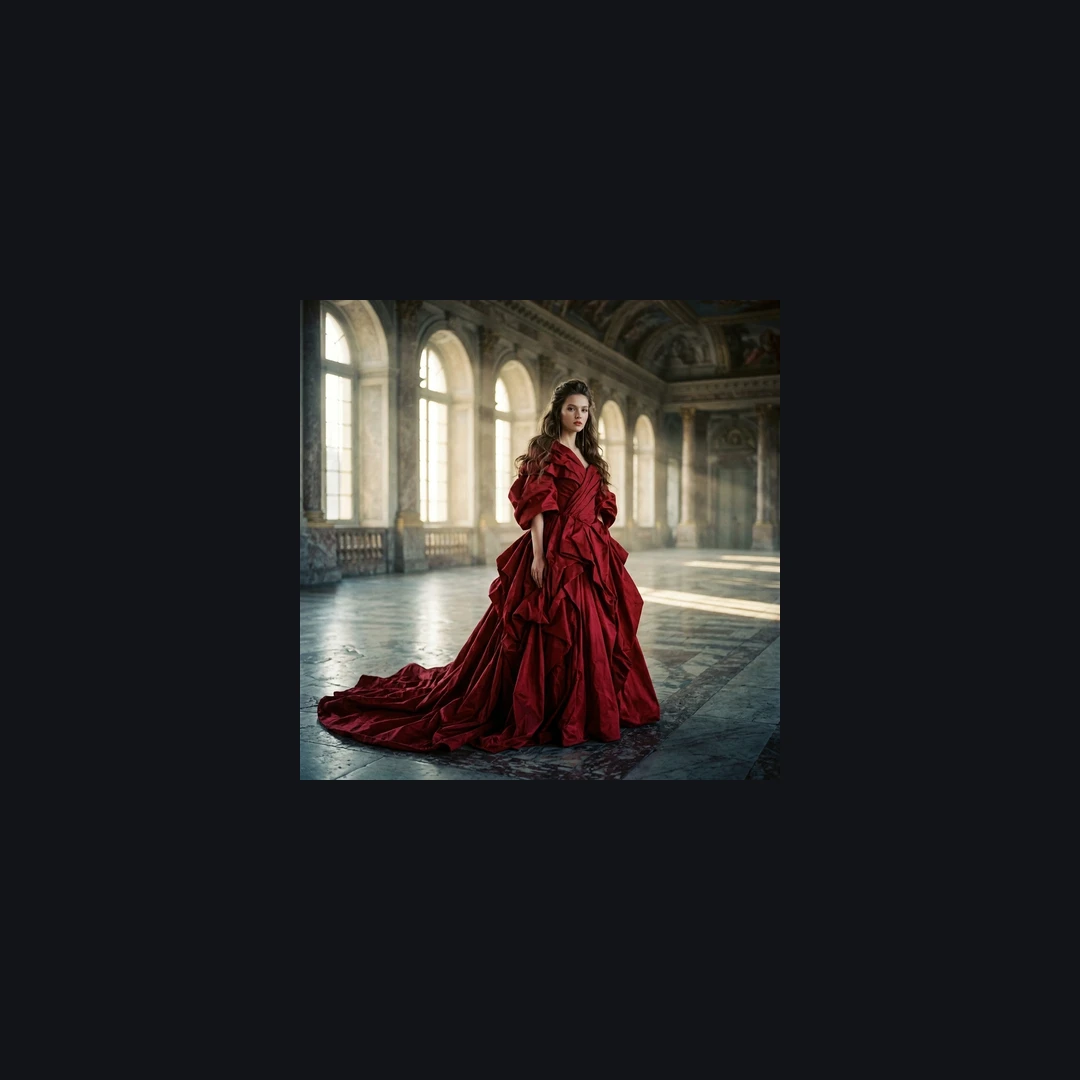
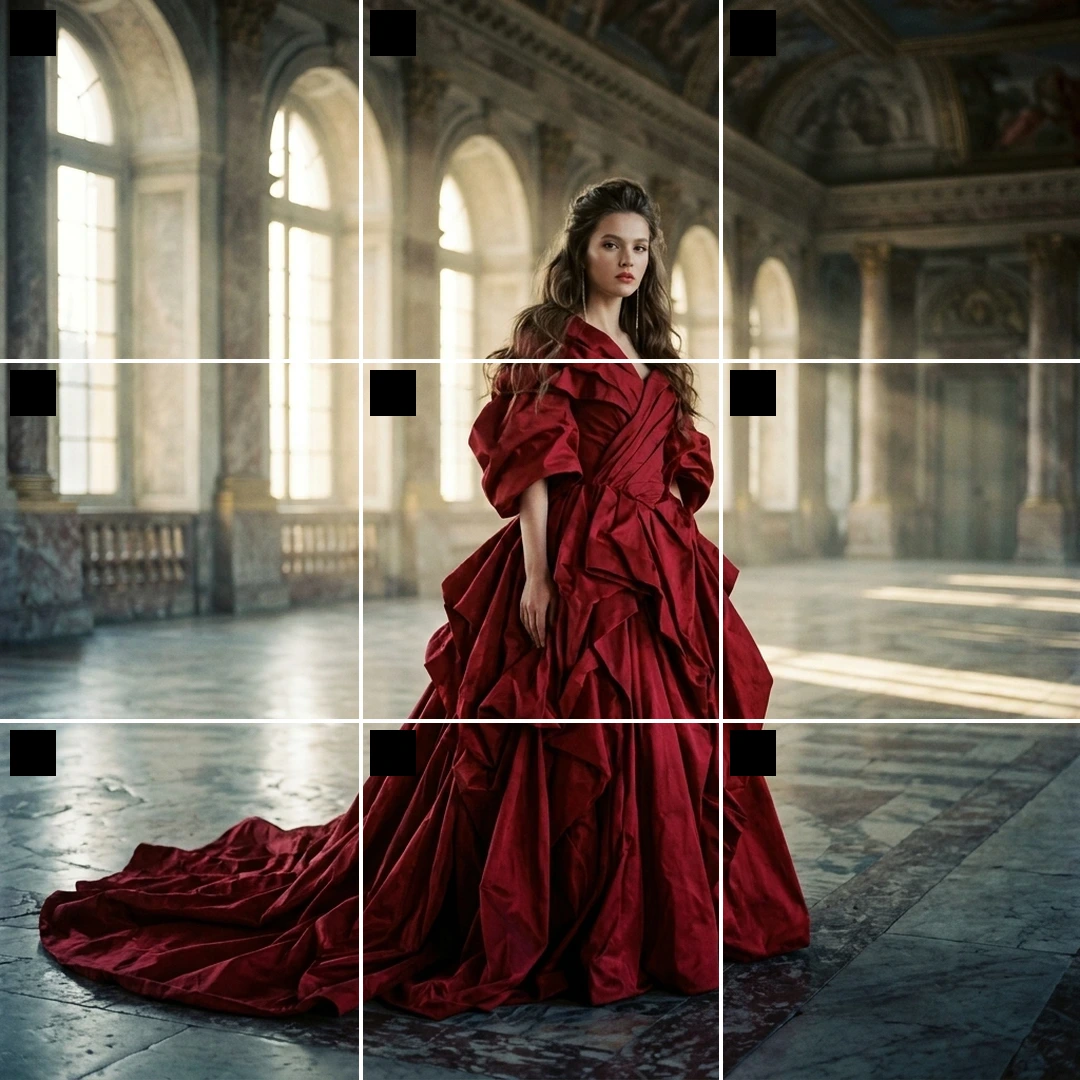
💡 Key Difference: Slices Valeria's grand palace crimson taffeta gown portrait across 9 synchronized square tiles for a seamless giant profile grid banner that commands attention.
Instagram Grid Splitter Dimensions & Layout Guide (2026)
Instagram profile feeds are organized into 3 columns of square 1080×1080 pixel tiles. Choose the best layout format for your photography, artwork, or campaign launch:
| Layout Type | Total Tiles | Recommended Source Size | Each Tile Resolution | Best Used For |
|---|---|---|---|---|
| 3×1 Panorama Row | 3 posts | 3240 × 1080 px | 1080 × 1080 px (1:1) | Horizontal landscapes, architectural photos, wide banners |
| 3×2 Double Row | 6 posts | 3240 × 2160 px | 1080 × 1080 px (1:1) | Product launches, photography collages, mini-lookbooks |
| 3×3 Giant Banner | 9 posts | 3240 × 3240 px | 1080 × 1080 px (1:1) | Full profile takeovers, album cover art, brand rebrands |
| 3×4 Mega Puzzle | 12 posts | 3240 × 4320 px | 1080 × 1080 px (1:1) | Editorial portraits, event posters, major campaign drops |
How to Post Your Instagram Grid Without Breaking the Puzzle
Because Instagram places every new upload in the top-left position and shifts older posts to the right, uploading in standard order scrambles your feed.
Upload in Reverse Order
Our tool numbers every slice automatically. For a 3×3 grid, post Tile #9 first, followed by #8, #7, down to Tile #1. Tile #1 will land in the top-left corner, completing your image.
Post in Multiples of 3
Once your grid is live, any single new post will shift the 3-column alignment by one slot. Always upload new content in batches of 3, or use 3-post filler sets to preserve your layout.
Pin Banner Posts
Instagram allows creators to pin up to 3 posts to the top of their profile. You can pin the top row (Tiles #1, #2, #3) to lock a 3×1 panoramic header permanently at the top of your profile.
How to Use the Instagram Grid Maker
Upload photo into Instagram grid maker
Select any panoramic or high-resolution photo from your phone or computer to load into the grid maker.
Choose your feed maker layout
Use the feed maker to select 3×1 horizontal panorama slices or 3×3 for a giant 9-post profile banner puzzle.
Download ZIP & post in reverse
Our grid maker exports a numbered ZIP package (Post #9 first down to Post #1) so your profile reassembles seamlessly.